ExchangesExplainer
How OKX Trading Fees Work
Answer
OKX trading fees are best read as notional traded amount × applicable rate. The rate depends on product (Spot / Futures / Options and similar), whether you are Maker or Taker, and your VIP / fee tier. Deposits usually have no platform deposit fee; withdrawal fees are charged per transfer and move with the network. To check your tier: on web, open Assets-related entries for My trading fees; in the App, check fee level under account settings / profile. Percentages change — trust the official OKX fee / rules page and what your account shows live. Sign-up: How to Sign Up for OKX on the Official Website. Venue compare: Binance vs OKX: Which Is Better?.
Contents
Key definitions
- Maker vs Taker
- Maker usually adds liquidity by resting on the book; Taker usually removes resting liquidity for an immediate fill. Maker rates are often lower to reward depth
- Spot (mental model)
- Regular-user narratives often sit near Spot Maker 0.08% / Taker 0.10% — scale only; after sign-in, your account tier wins
- Futures (mental model)
- USDT-margined and similar futures narratives often sit near Maker 0.02% / Taker 0.05%; both open and close fills charge under the rules. Liquidation fees commonly use the Taker rate. Details follow official futures fee notes
- How VIP rises
- Usually based on recent 30-day volume and/or asset size, taking the highest tier you meet; rates may update the next day. Threshold numbers change — do not memorize this page
- Deposits and withdrawals
- Deposits usually have no platform deposit fee; withdrawal fees show on the Withdraw page. Guides: How to Deposit on OKX, How to Withdraw Crypto from OKX
- Funding rate ≠ trading fee
- Perpetual funding is a periodic long/short settlement; the platform usually does not take a cut. You participate when you hold across a settlement. Separate from order fees
- Worked example (illustration only)
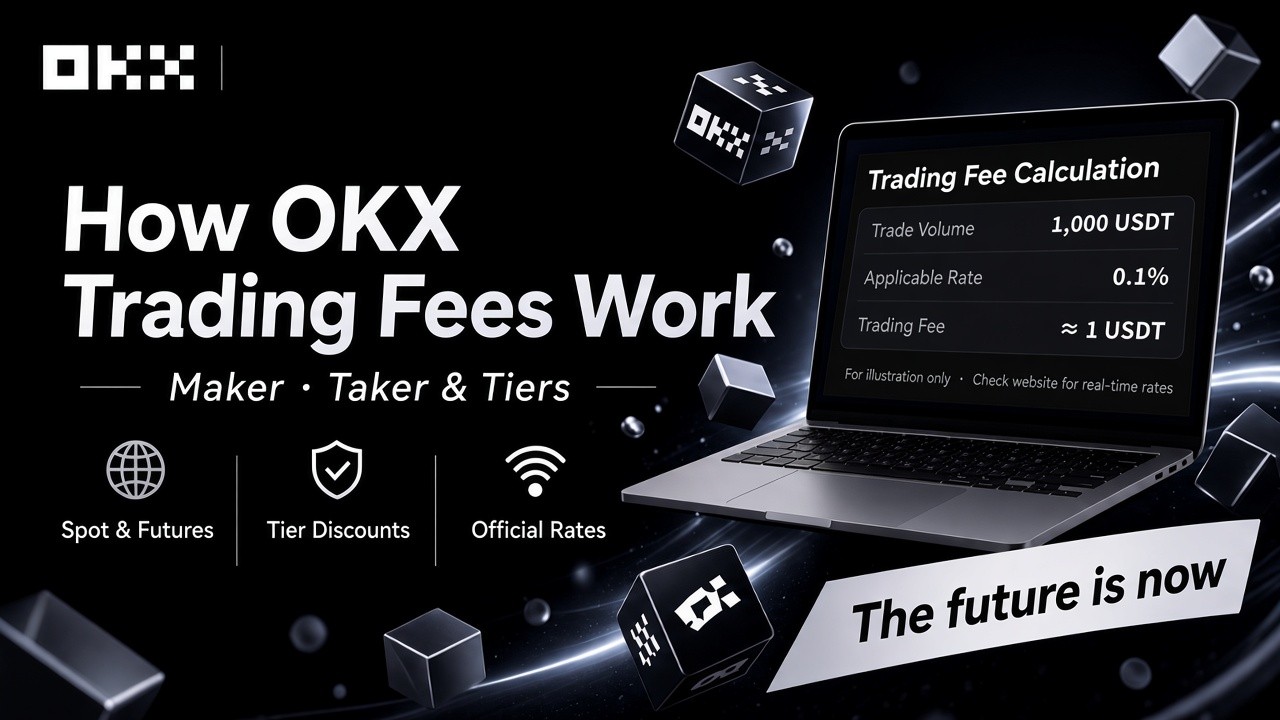
- Assume Spot notional 1,000 USDT at Taker 0.1% → fee about 1 USDT. Futures example: face value × contracts × price × rate (common USDT-margined framing). Plug live official rates into your order
- Authoritative source
- okx.com fee page, Help Center trading fee rules, and My trading fees inside the account
What this page does not cover
- Does not guarantee any fixed rate, VIP threshold, or "how much you save in a year." Rules and campaigns change.
- Do not overtrade just to chase fee discounts; futures risk dwarfs the fee you might save.
- Example percentages on this page are for scale only — not a quote sheet.
- Product and fee access can differ by country. Restricted locations/products: https://www.okx.com/help/risk-compliance-disclosure.
- This page is not financial advice and does not promise returns.
FAQ
Are market orders always more expensive?
Not "because they are named Market," but because market orders usually fill as Taker. A Limit that fills immediately can also count as Taker; resting on the book before fill is what more often counts as Maker.
Where do I see my current rates?
Web: My trading fees under Assets-related entries. App: fee level in account settings / profile. The trade ticket often shows current Maker / Taker rates too.
Do open and close use the same fee?
Official notes commonly say fees are charged per fill — open and close are not two special separate rate tables, but each fill is billed; Maker vs Taker picks the column.
Is OKX cheaper than Binance?
It depends on Maker/Taker, VIP, token fee discounts, and campaigns. Do not compare one slogan number. Framework: Binance vs OKX: Which Is Better?, and both official fee pages.
Next step for futures orders?
See How to Open a Futures Position on OKX; risk budget: How to calculate position size.